AI AUTOMATION FOR YOUR COMPANY
Your company.
Your AI.
Right here.
Boxotron is your company’s AI brain for automating tasks, handling documents and building custom software. A dedicated box under your control, designed for 24/7 work.
Join the preorder listFree to join. No card needed.
Which task takes too much of your time?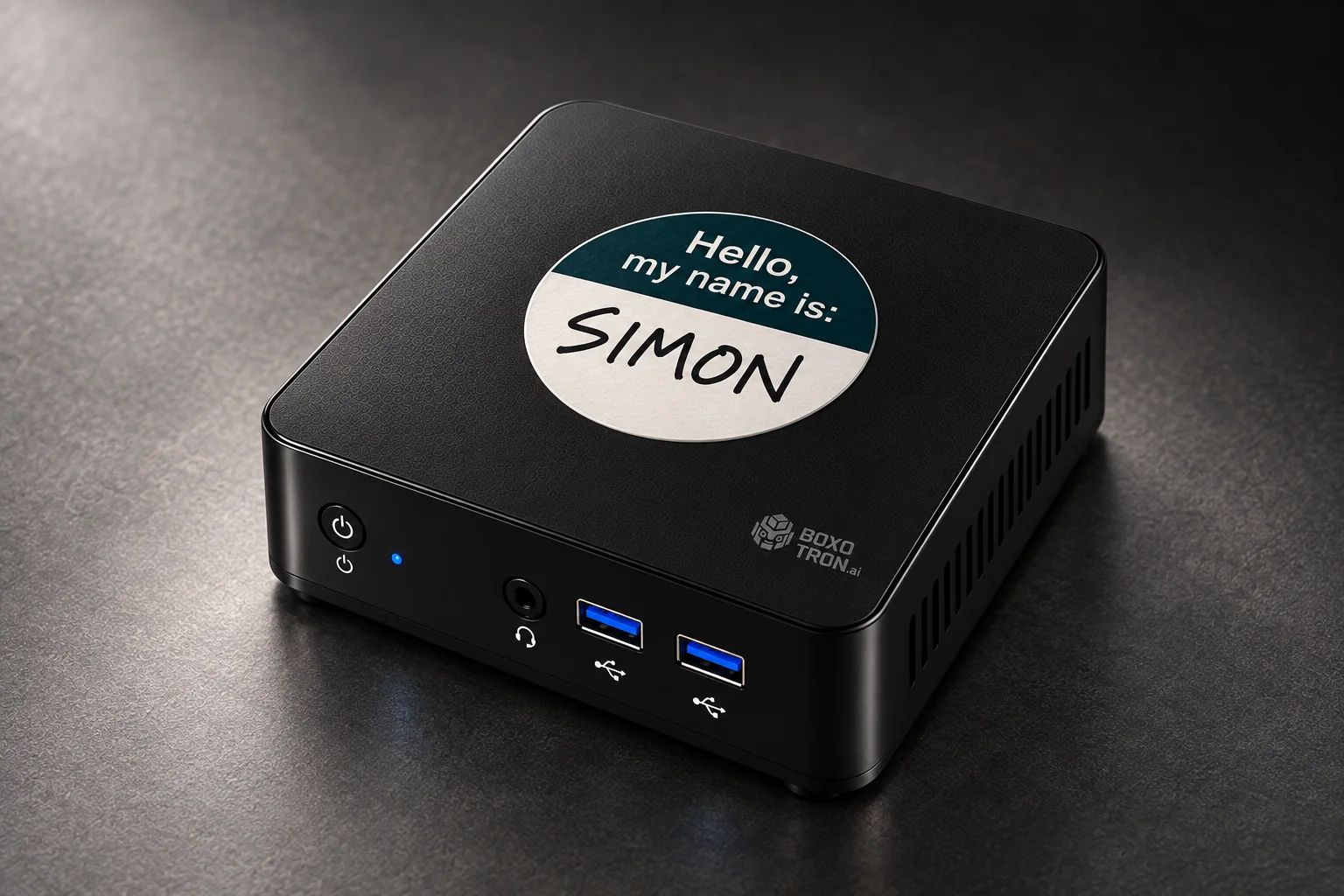
A dedicated box for your company.Built to take on tasks and execute them, 24/7.You set the rules and approvals.
WHAT YOU CAN HAND OVER
Put your AI to work across your apps.
Use Boxotron for tasks you would normally do on a computer or phone, from replying to customers to organising documents. It can also build custom software and extend the tools you already use, with access and approvals you choose.
Your computer
Your phone
boxotron.Your BoxotronYou set the rules
Replies prepared
Documents organised
Custom software built
Give paperwork a place.
Connect your everyday tools.
Build custom software.
Illustrative workflows. Available integrations and capabilities will be confirmed during onboarding.
PLAN YOUR FIRST JOB
Which task takes too much of your time?
Choose a task to draft a brief you can save or send us. Add the tools you use so we can discuss how it would fit your company.
Your starting brief
Give every enquiry a next step
- Done means
- An enquiry logged, a reply prepared and a next step assigned.
- How to judge the value
- Time spent per enquiry. Enquiries still waiting for a reply.
You keep the final say
Customer messages, important changes and putting a new tool into use need your approval.
A planning aid, not a confirmed feature or quote. We’ll check connections, scope and price before you commit.

EXAMPLES FROM EVERYDAY WORK
From one-off jobs to daily routines
Explore tasks Boxotron could run when you ask, on a schedule or when something changes in a connected app.
One-off
When you ask
Turn a folder into order
- Documents
- Sort & label
- Review changes
See the details
Sort an approved folder of documents, suggest clear filenames and flag duplicates. Review the proposed changes before anything moves.
Build the tool your company needs
- Your idea
- Build your tool
- Review & test
See the details
Create a quote calculator, job tracker or dashboard. Boxotron can build a standalone app or a custom layer on top of your existing CRM or other software, using supported connections. You review and test it before it goes live.
You stay in control
You choose the files and systems it may use. Review proposed changes, test custom tools and approve them before they are put into use.
Daily
A time you choose
Start with a useful briefing
- Your day
- Daily briefing
- Your priorities
See the details
At 8 a.m., bring together today’s meetings, open quotes and overdue tasks, with links back to the source.
Have your follow-ups ready
- Conversation
- Draft a reply
- You approve
See the details
Check the latest customer conversations and prepare today’s replies or appointment reminders for your review.
You stay in control
Read the briefing, adjust the drafts and approve messages before they go out.
Monthly
Your month-end routine
Get the papers ready for your accountant
- Invoices
- Monthly pack
- Accountant review
See the details
Gather invoices and receipts from approved sources into a monthly folder and list missing documents for you to resolve.
See what changed this month
- Business activity
- Monthly summary
- Check the figures
See the details
Combine orders, bookings and completed work into a plain-language summary, with source figures and questions worth reviewing.
You stay in control
You review the source figures and share the pack. Your accountant handles accounting and tax decisions.
Real-time
When a connected app signals an event
Give every enquiry a next step
- New enquiry
- Prepare next step
- Notify your team
See the details
When a supported enquiry arrives, prepare a customer record and a reply draft, then notify the right person.
Catch an order exception
- Order update
- Spot an issue
- Route to a person
See the details
When an order update flags missing details or a fulfilment issue, gather the context and route it to someone who can help.
You stay in control
You choose the events and recipients. Response timing depends on the connected app; outgoing replies can require approval.
Ongoing
Until the job is done
Keep an open quote moving
- Open quote
- Follow up
- Stop at a decision
See the details
Track a quote across days or weeks, prepare reminders on your schedule and stop the follow-ups when it is accepted or declined.
Keep a shared inbox organised
- Shared inbox
- Sort & flag
- Team handover
See the details
Keep routing new threads, flag unanswered enquiries and bring unclear cases to your team instead of guessing.
You stay in control
You set the follow-up rules, stopping points and escalation path. Pause any workflow whenever you need.
Planned workflow examples, not a live activity feed. Available actions, event support and response times depend on your connected tools and agreed setup.
Tell us your first task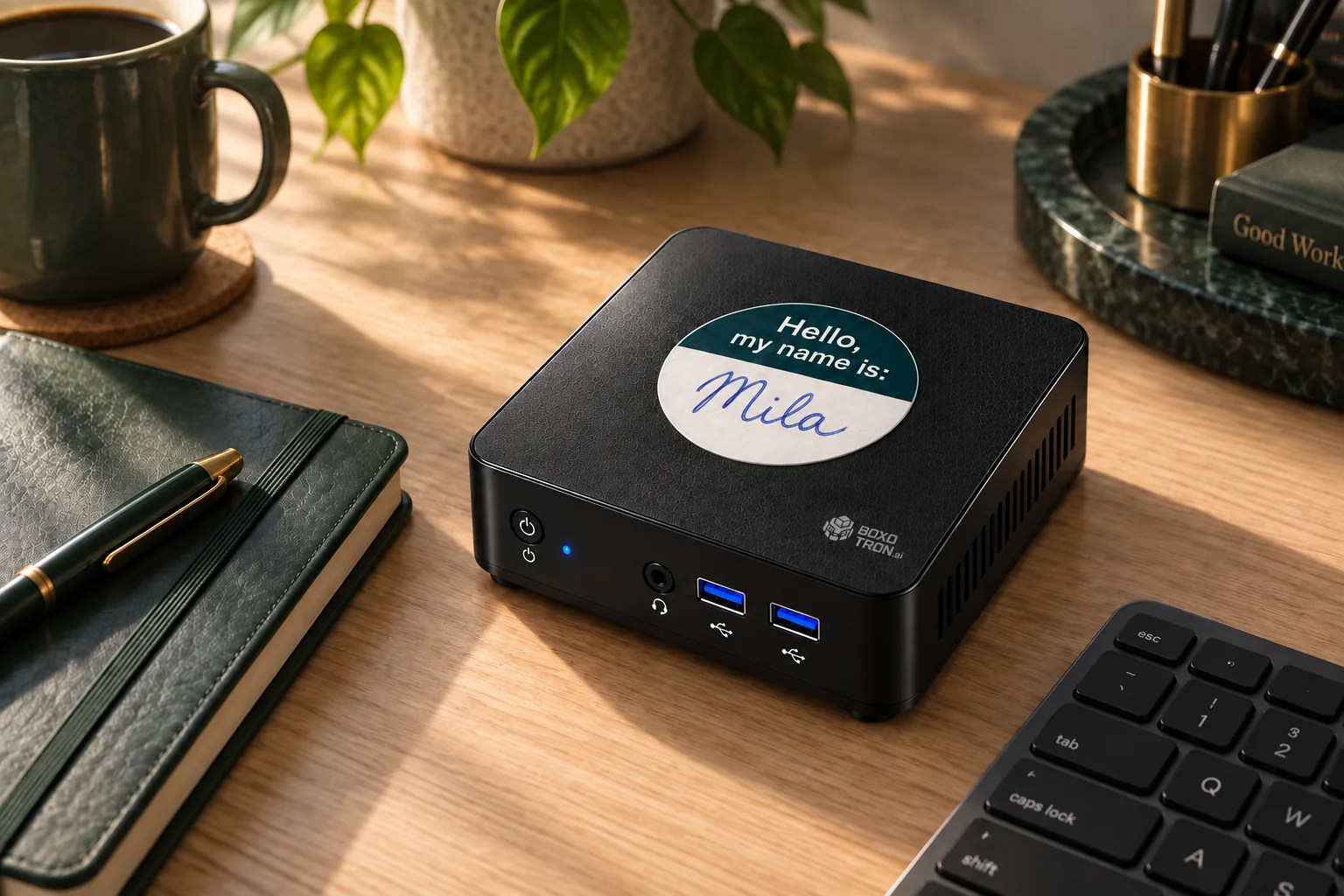
A BOX OF YOUR OWN
Your company’s AI belongs on your desk.
Give Boxotron a name and choose the accounts and files it can work with. It is designed to coordinate your company’s workflows from a dedicated box in your space.
Privacy starts with control.Privacy starts with control.
In your space
Your files
Your Boxotron
Connected servicesCloud AI where needed
You choose the access.
Connect only the accounts, folders, and workflows you want your Boxotron to use.
You set the boundaries.
Define which actions can run automatically and which need your approval.
You can see the work.
The design includes an activity history, exceptions to review, and the ability to pause automation.
You know what leaves.
Local orchestration, with cloud AI where needed. Data flows and providers should be clear before you connect.
These are product design principles. Final security controls, data retention, and local versus cloud processing will be documented before launch.
Private AI for business: what stays under your control?GETTING STARTED
Try one job and review the results.
01
Define one useful job.
Agree the inputs, the finished result and a spending cap. Start with the work that matters to you.
02
Try it with your approval.
Begin with a small sample. Review the work before customer messages or important changes.
03
Decide with evidence.
Compare manual time, completed jobs and exceptions. Add more work when the value is clear.
A box in your space, connected to AI. Some tasks may use cloud models and third-party services. Data flows and supported connections will be agreed before activation.
PRICED AROUND THE WORK
Know what each job will cost.
We’re developing a hybrid model: a base plan for your Boxotron, plus clearly priced completed workflows. Agree the scope, price per workflow, and spending limit before it starts.
A workflow is a finished job.
For example: one enquiry → a customer record, a draft reply and an assigned next step. Agree what counts as done before it runs.
Monthly base plan
A monthly base for the box, updates, and an agreed support and AI allowance. Hardware terms and any setup cost will be quoted before purchase.
Completed work
A clear price for each agreed workflow beyond your included allowance. Simple admin and complex jobs can have different rates, quoted in advance.
- Agree what counts as a completed workflow before activation. Failed attempts and internal retries are not separate billable jobs.
- A monthly spending cap keeps the budget predictable. Pause extra work or approve a higher limit.
- New workflows and custom software get their own agreed scope and quote. Approve any extra cost before work starts.
Explore an example
300
02,000
Example base · 100 workflows included$99
Additional completed workflows$100
Illustrative monthly total
$199/ month
Set a spending limit. Approve any increase.
Example only, not a launch offer: $99 per month including 100 standard workflows, then $0.5 per additional completed standard workflow. Custom software, complex work, setup and extra devices are quoted separately. Prices are before applicable taxes.
Calculate the value of automationBOXOTRON AT HOME
A little less life admin.
The same idea, for the household: organise documents, plan reminders, and coordinate everyday tasks. Register for household updates with a separate, predictable usage budget.
Practical guides
Make an informed decision about AI.
Business automation: choosing your first AI workflow
Choose a first automation task and use the free calculator to compare time, review effort and budget before you commit.
Read the guidePrivate AI for business: what stays under your control?
Understand local and cloud processing, account permissions and the questions to ask before connecting company data.
Read the guideCustom software with AI, built around your existing tools
Plan a quote calculator, job tracker or CRM extension with clear requirements, testing and a separate budget.
Read the guideBefore you join the list
Boxotron is in development. You can join the preorder interest list now. Shipping dates, final hardware, supported countries, and launch pricing are not yet confirmed.
Boxotron is being designed to run agreed company workflows on a dedicated device, independently of your own laptop. The box would stay connected to power and your network; cloud services may still be needed for some tasks.
The plan is to work with the tools you already use and build extensions where something is missing. Add your apps to the brief for your first task so we can check the connection, access and scope before you commit.
There is no charge today. When paid reservations open, we plan to offer a $99 deposit to reserve your place in the order queue. It will count toward your subscription. You will see the delivery estimate and full reservation, cancellation, and refund terms before deciding.
The box is designed to coordinate your workflows locally, with cloud AI and connected services where needed. We are not promising fully offline operation or that all data stays on the device. The exact architecture will be confirmed before launch.
Yes. Pick a name and write it on the label with your favourite pen or marker. Simon, Mila and Oskar are examples. Yours gets a name and handwriting of its own.
EARLY ACCESS
Be among the first to use Boxotron.
Tell us a little about yourself and the first job you would hand over. We’ll get in touch about availability and next steps.
$99Planned reservation deposit
Credited toward your subscription
- Join the interest list for free.
- Review your offer when reservations open.
- Choose whether to reserve for $99.